Stencil - Draw with Guidelines
By Studio Next Ltd · Graphics Design · Free ⚠ Last updated 7 months ago
Screenshots


About
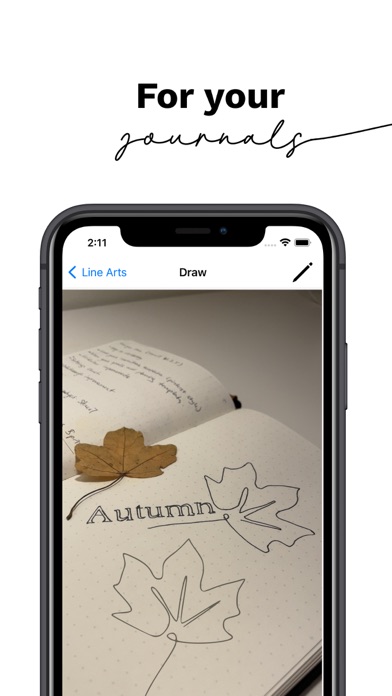
Improve your drawing with augmented reality guidelines! Use Stencil to customize and enrich your drawing or gift cards, postcards, journals, and anything you want to have hand-drawn! Install Stencil now! Generate an image you wish with AI or Select a doodle or a photo from your library that you want to draw Follow the guidelines to draw Level up on your art! You will be surprised how easy to draw and how easy to improve your drawing with Stencil! The only question is what you will draw first? Or should I ask who you will draw first?
What's New (v6.1)
Quick Facts
📱 Category: Graphics Design
👨💻 Developer: Studio Next Ltd
💰 Price: Free to download
⭐ Rating: 4.8/5 from 126 users
🏷️ Genres: ["Graphics & Design","Productivity"]
🔞 Age Rating: 4+
📦 Size: 158 MB
🔢 Version: 6.1
📲 Requires: iOS 16.0+
📅 On App Store: 5 years
🌍 Languages: 2