My Scanner: Scan to PDF & Edit
By Dream App Studio UAB · Dream Scanner · Free Updated 1 months ago
Screenshots


About
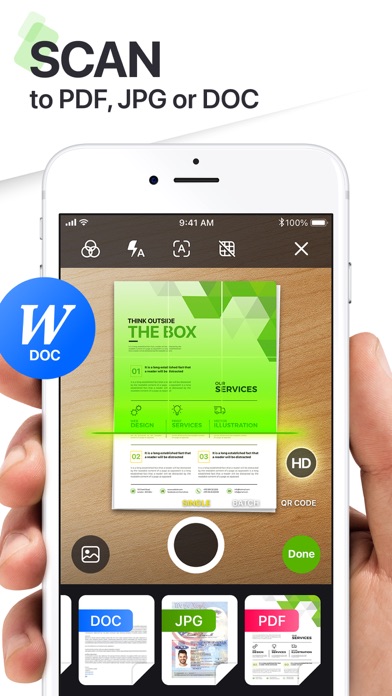
Meet My Scanner – your intelligent all-in-one document and productivity companion. Whether you're scanning receipts, editing PDFs, or creating content with AI, My Scanner transforms your device into a powerhouse for getting things done—faster, smarter, and paper-free. SCAN. EDIT. WRITE. SOLVE. ALL IN ONE PLACE. Designed for professionals, students, and everyday users alike, My Scanner delivers the tools you need to take control of your documents and solve your office and educational tasks - all from your iPhone or iPad. ULTRA-FAST PDF SCANNER • Scan documents, books, notes, or whiteboards i...
What's New (v9.6)
Quick Facts
📱 Category: Dream Scanner
👨💻 Developer: Dream App Studio UAB
💰 Price: Free to download
⭐ Rating: 4.7/5 from 18,270 users
🏷️ Genres: Business, Utilities
🔞 Age Rating: 4+
📦 Size: 375 MB
🔢 Version: 9.6
📲 Requires: iOS 16.0+
📅 On App Store: 5 years
🌍 Languages: 12