MultiCustomCounter
By Chisato Nakagawa · Utilities · Free ⚠ Last updated 9 months ago
Screenshots


About
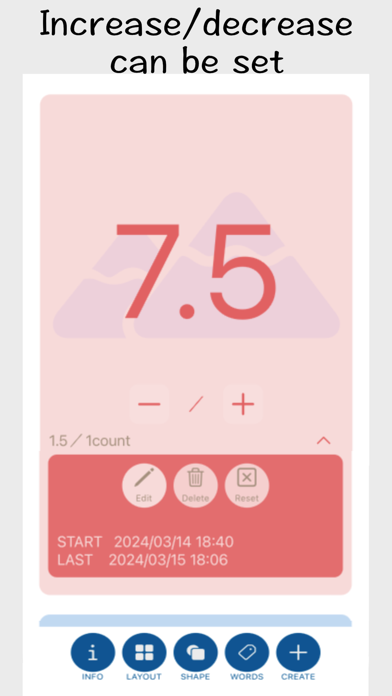
This counter allows you to set the amount of increase/decrease per count. For example, you can freely register decimals or whole numbers, such as counting in increments of 2, such as 2, 4, 6, 8, etc. ■COUNTER SETTINGS -COUNTER NAME You can set the name of the counter. -INCREASE/DECREASE NUMBER PER 1 COUNT Can be set to decimal or integer. Each time you press the count button, this number will be increased or decreased from the total count. Example) If set to "0.5": Counts as 0.5, 1.0, 1.5, 2.0, 2.5, 3.0... -INITIAL VALUE You can set the initial value when counting starts. If set, co...
Quick Facts
📱 Category: Utilities
👨💻 Developer: Chisato Nakagawa
💰 Price: Free to download
⭐ Rating: 0.0/5 from 0 users
🏷️ Genres: ["Utilities","Productivity"]
🔞 Age Rating: 12+
📦 Size: 5 MB
🔢 Version: 1.2.1
📲 Requires: iOS 16.2+
📅 On App Store: 1 year
🌍 Languages: 2
Get the full Utilities market analysis — complaints, features, pricing, competitors.
View Utilities Report — $9.99