MP3 Converter: Video to Audio
By Fitness Labs · Video Converter · Free ✓ Updated 7 days ago
Screenshots
About
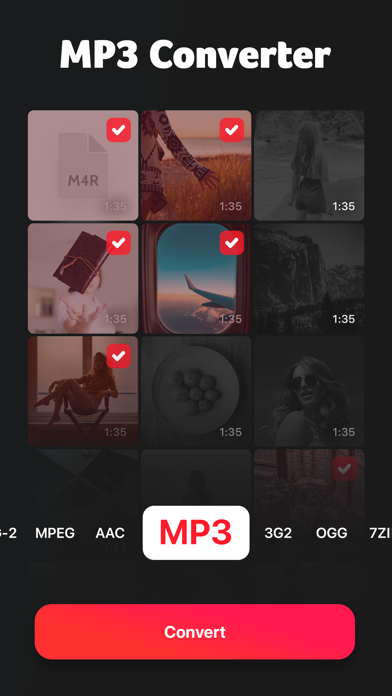
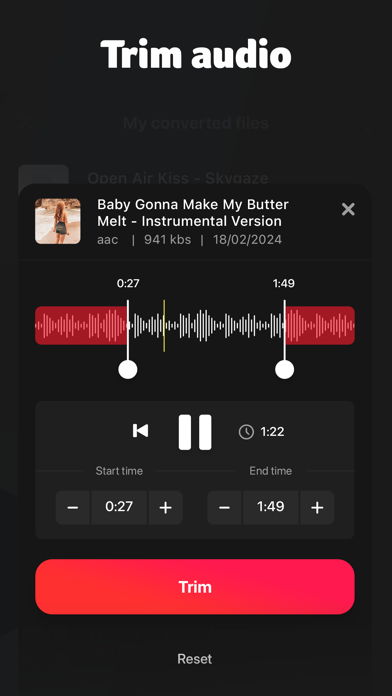
An easy way to convert videos from all the popular formats. Simple and free to use. Install now! 1.Open the app. 2.Select the videos you want to convert from a web url, your local photos or the files app. 3.Preview the videos and select the desired conversion format. 4.Magic happens. 5.You get all your files converted in just a few seconds. Store them in the app or share them with your Mac via Airdrop. We support the following output formats: MP3, MP4, 3G2, AAC, AVI, FLAC, WAV, FLC, M4A, MPEG, MKV, OGV, OGA ---- We currently offer two auto-renewing subscription options: $9.99/year or $1....
What's New (v1.2.1)
Quick Facts
📱 Category: Video Converter
👨💻 Developer: Fitness Labs
💰 Price: Free to download
⭐ Rating: 4.7/5 from 6,126 users
🏷️ Genres: Music, Utilities
🔞 Age Rating: 4+
📦 Size: 40 MB
🔢 Version: 1.2.1
📲 Requires: iOS 14.0+
📅 On App Store: 4 years
🌍 Languages: 1