iSmart DV
By iCatch Technology Inc., · Photo Video · Free ✓ Updated Today
Screenshots

About
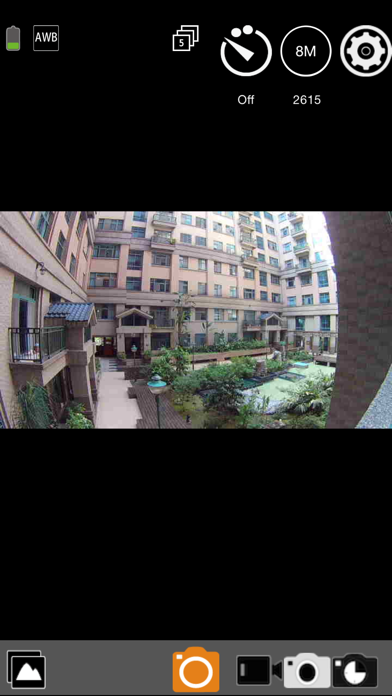
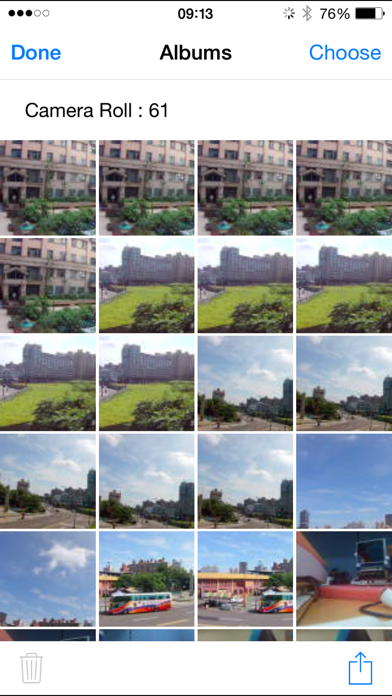
With iSmartDV, you could control the iCatch Technology's based DSP camera by using your iPhone or iPad. Like remote viewfinder/preview, view photo album. Any APP question you can contact us via https://www.facebook.com/ismartdvuser Connection Steps. 1. Turn on the Camera Wi-Fi, it will act as a Wi-Fi AP. 2. in iPhone/iPad, Setting->Wi-Fi turn it on and find out camera SSID then connect. the SSID & password should be on your manual or contact servce. 3. Open the APP Now you can streaming the preview, take a picture or video. Q&A Q: Why cannot create a new camera? A: First make sure you hav...
Quick Facts
📱 Category: Photo Video
👨💻 Developer: iCatch Technology Inc.,
💰 Price: Free to download
⭐ Rating: 4.2/5 from 20,528 users
🏷️ Genres: ["Photo & Video","Utilities"]
🔞 Age Rating: 4+
📦 Size: 105 MB
🔢 Version: 1.4.53
📅 On App Store: 12 years
🌍 Languages: 12
Get the full Photo Video market analysis — complaints, features, pricing, competitors.
View Photo Video Report — $9.99