Image to PDF - Convert to PDF
By WEBDIA INC. · Business · Free Updated 5 months ago
Screenshots
About
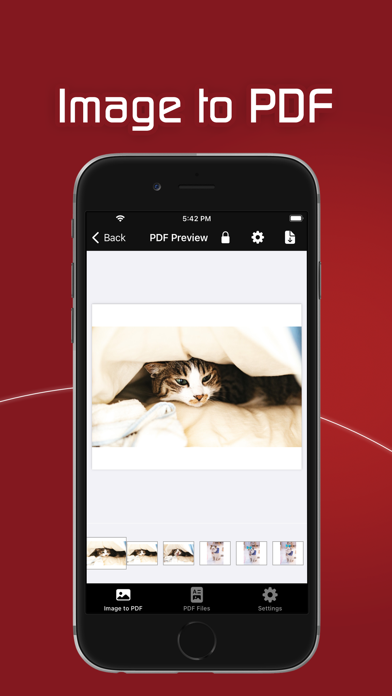
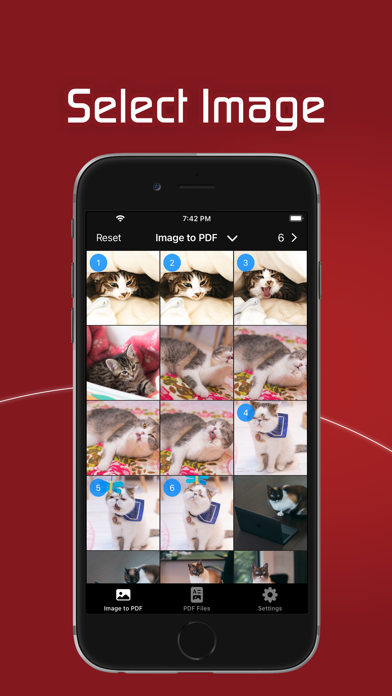
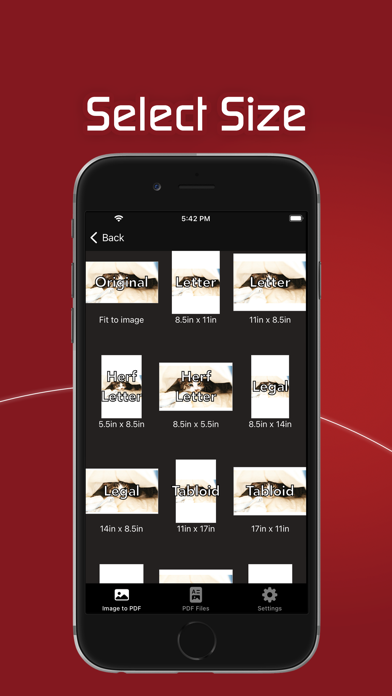
Creating a PDF is very simple 1. Select the photo or image you want to convert to PDF *The selected order will be the PDF page. 2. Check the created PDF 3. Save the confirmed PDF PDF will be created only by the above three steps + PDF management The created PDF is saved in the app. Saved PDFs can be viewed or shared with other apps at any time + PDF size can be selected You can create a PDF according to the pre-registered paper size. Of course, you can also create a PDF according to the image size. + PDF margins can be set arbitrarily It is possible to set margins on the paper * Premium ...
What's New (v3.0.1)
Quick Facts
📱 Category: Business
👨💻 Developer: WEBDIA INC.
💰 Price: Free to download
⭐ Rating: 4.7/5 from 280 users
🏷️ Genres: ["Business","Utilities"]
🔞 Age Rating: 4+
📦 Size: 11 MB
🔢 Version: 3.0.1
📲 Requires: iOS 18.6+
📅 On App Store: 5 years
🌍 Languages: 17
Get the full Business market analysis — complaints, features, pricing, competitors.
View Business Report — $9.99