Color Tone Maker
By Thomas Lojko · Photo Video · Free ✓ Updated Today
Screenshots
About
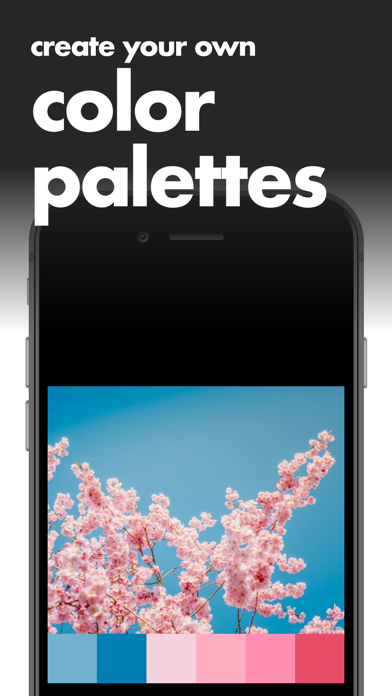
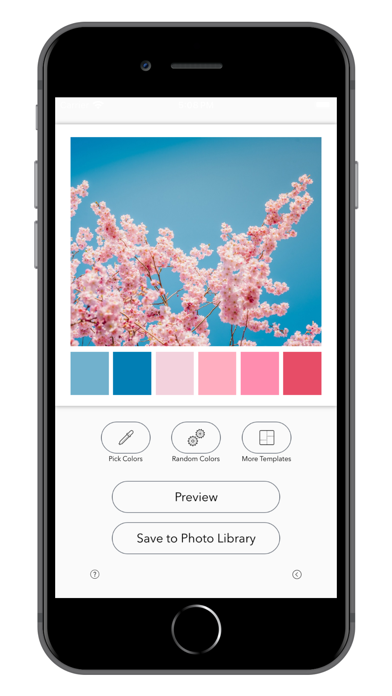
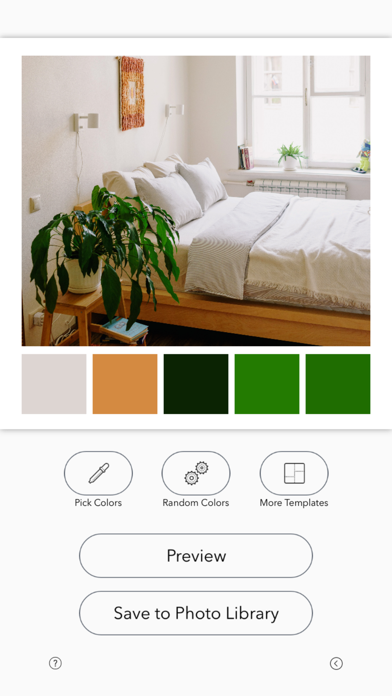
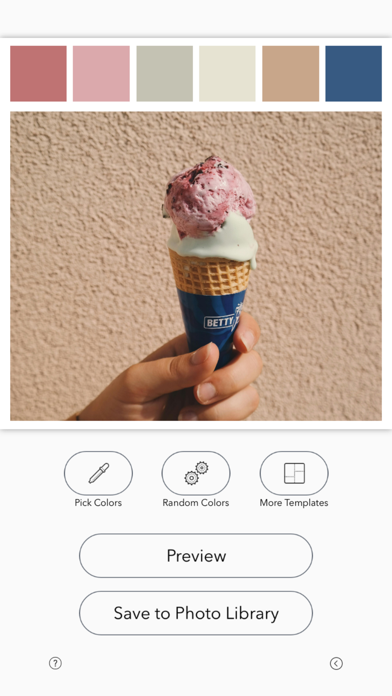
Use your photos to automatically create color palette reference images. • First choose a photo from your photo library to create a color palette with. • Resize, reposition and crop the photo into the square frame. • Random Colors will automatically create a color palette based on the photo. • Pick Colors lets you pick each color individually by tapping on your photo. • Tap "More Templates" to change the layout of your color palette. • Tap "Preview" to see your creation in full-size detail. • Tap "Save to Photo Library" to export your final creation into your photo library. Enjoy! • Pa...
Quick Facts
📱 Category: Photo Video
👨💻 Developer: Thomas Lojko
💰 Price: Free to download
⭐ Rating: 4.7/5 from 523 users
🏷️ Genres: ["Photo & Video"]
🔞 Age Rating: 4+
📦 Size: 9 MB
🔢 Version: 1.0.5
📅 On App Store: 5 years
🌍 Languages: 6
Get the full Photo Video market analysis — complaints, features, pricing, competitors.
View Photo Video Report — $9.99