BerryCam for Raspberry Pi
By James Moore · Utilities · Free
Screenshots



About
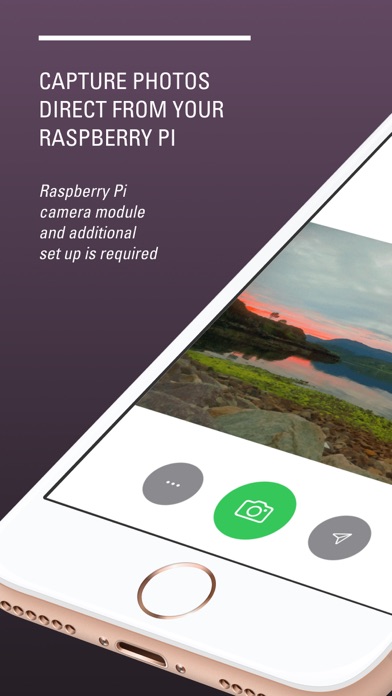
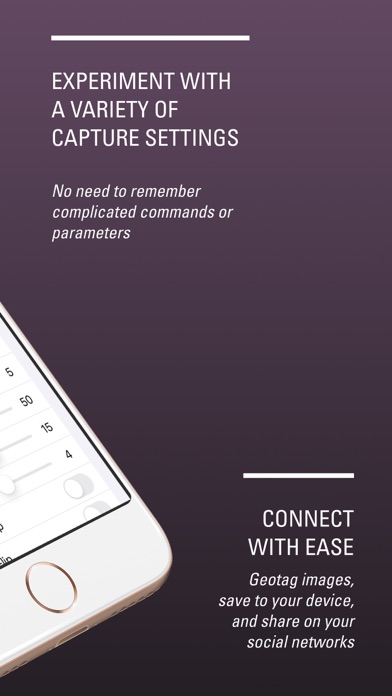
* This app requires a Raspberry Pi with installed Camera Module to work * Use your iOS device to control the Raspberry Pi camera module. Control exposure modes, special effects for still images with the simple interface - no need to learn complex SSH commands. Quickly and easily preview your images on the iOS device and save to your camera roll. The same images are also saved to your Raspberry Pi. A great way to experiment with the possibilities of the Raspberry Pi camera or to kickstart that IoT project you always wanted to do.
Quick Facts
📱 Category: Utilities
👨💻 Developer: James Moore
💰 Price: Free to download
⭐ Rating: 2.0/5 from 1 users
🏷️ Genres: ["Utilities","Photo & Video"]
🔞 Age Rating: 4+
📦 Size: 2 MB
🔢 Version: 3.1.2
📅 On App Store: 12 years
🌍 Languages: 1
Get the full Utilities market analysis — complaints, features, pricing, competitors.
View Utilities Report — $9.99